Free PDF tools. Your files stay on your device.
Use all 23 tools without an account or usage limits. Your files are processed in this browser and never uploaded to our servers.
All PDF tools
Browse by goal or search to start working immediately.
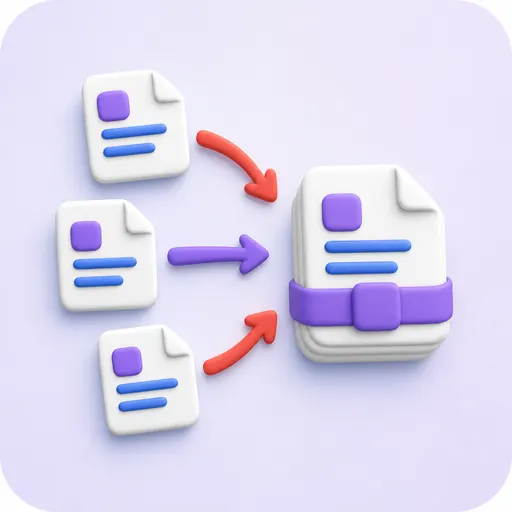
Merge PDF
Combine multiple PDFs in any order while preserving every page size and orientation.
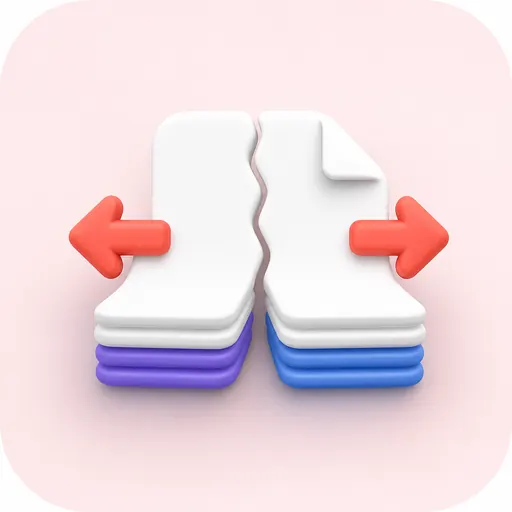
Split PDF
Split a PDF into individual pages or custom page ranges.
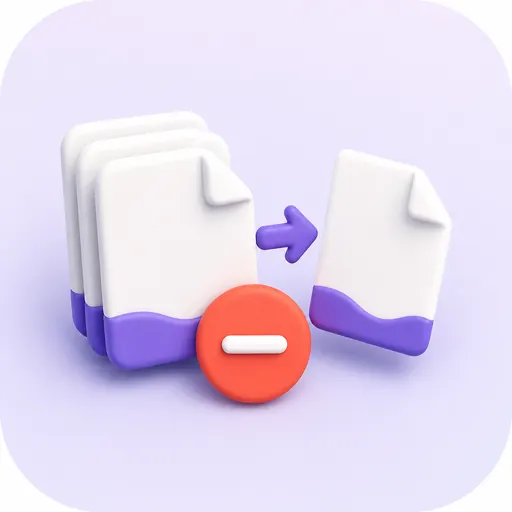
Remove pages
Select unwanted pages visually and create a clean new PDF.
Extract pages
Save selected pages as one PDF or as individual PDFs in a ZIP file.
Organize PDF
Reorder, rotate, remove and extract pages in one visual workspace.
Scan to PDF
Capture documents with a camera or choose images, enhance them, and make a multi-page PDF.
Compress PDF
Choose lossless, balanced or smallest-size compression without uploading your file.

Repair PDF
Rebuild recoverable PDF structures and cross-reference tables locally.
OCR PDF
Recognize scanned English and Japanese documents and make their text searchable.
Images to PDF
Combine PNG, JPEG, WebP, HEIC, TIFF or GIF images into one PDF.
PDF to images
Convert all or selected PDF pages to PNG or JPEG images.
Rotate PDF
Rotate all pages or selected ranges in 90-degree steps.
Page numbers
Choose number format, position, starting value and target pages.

Watermark PDF
Add a text or image watermark with custom position, angle and opacity.
Crop PDF
Adjust page margins or choose a visible crop area for selected pages.
Edit PDF
Add text, images, shapes and freehand annotations over PDF pages.
PDF forms
Fill existing forms or add text fields, checks, choices and lists.

Unlock PDF
Remove PDF encryption and restrictions locally with the correct password.

Protect PDF
Set an open password and permissions for printing, editing and copying.
Sign PDF
Place your drawn, typed or image signature, initials and date on a PDF.
Redact PDF
Select areas or matching text and rebuild pages so the hidden source data is removed.
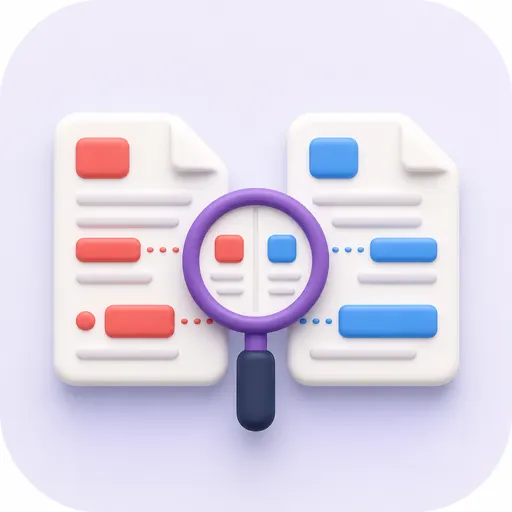
Compare PDF
Review two PDFs side by side, overlaid, or with text and pixel differences highlighted.
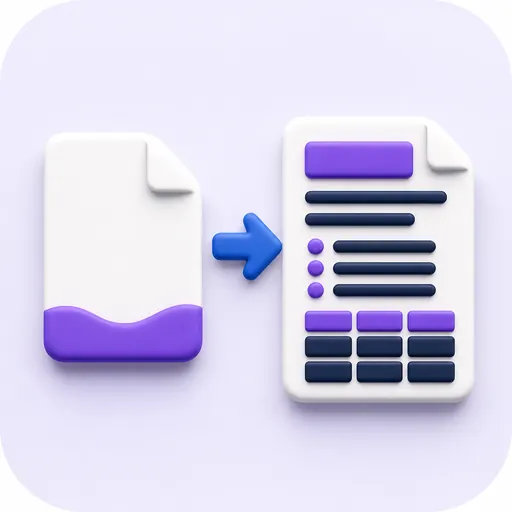
PDF to Markdown
Analyze PDF text and layout and convert headings, lists, tables and links to Markdown.
Frequently asked questions
Are files really never uploaded?
Yes. PDFs, images, passwords and signatures stay inside your browser. Only static program assets such as OCR data are fetched when required.
Are all 23 tools free?
Yes. There is no account, usage limit, watermark, or paid plan.
Does it work on phones?
Yes. Safari and Chrome on iPhone and Android are supported, including camera input for scanning.
Does the service store completed files?
No. The result downloads directly from the browser to your device and is not stored on a server.